See How It Works

Follow a typical workflow from listing a property through to closing the deal. Every step happens inside Agency Office.

1List
2Match
3View
4Offer
5Close
1

List the Property

A new instruction comes in. Within minutes, the property is listed in Agency Office with full commercial details, photos, and marketing materials — and automatically fed to Rightmove and your website.
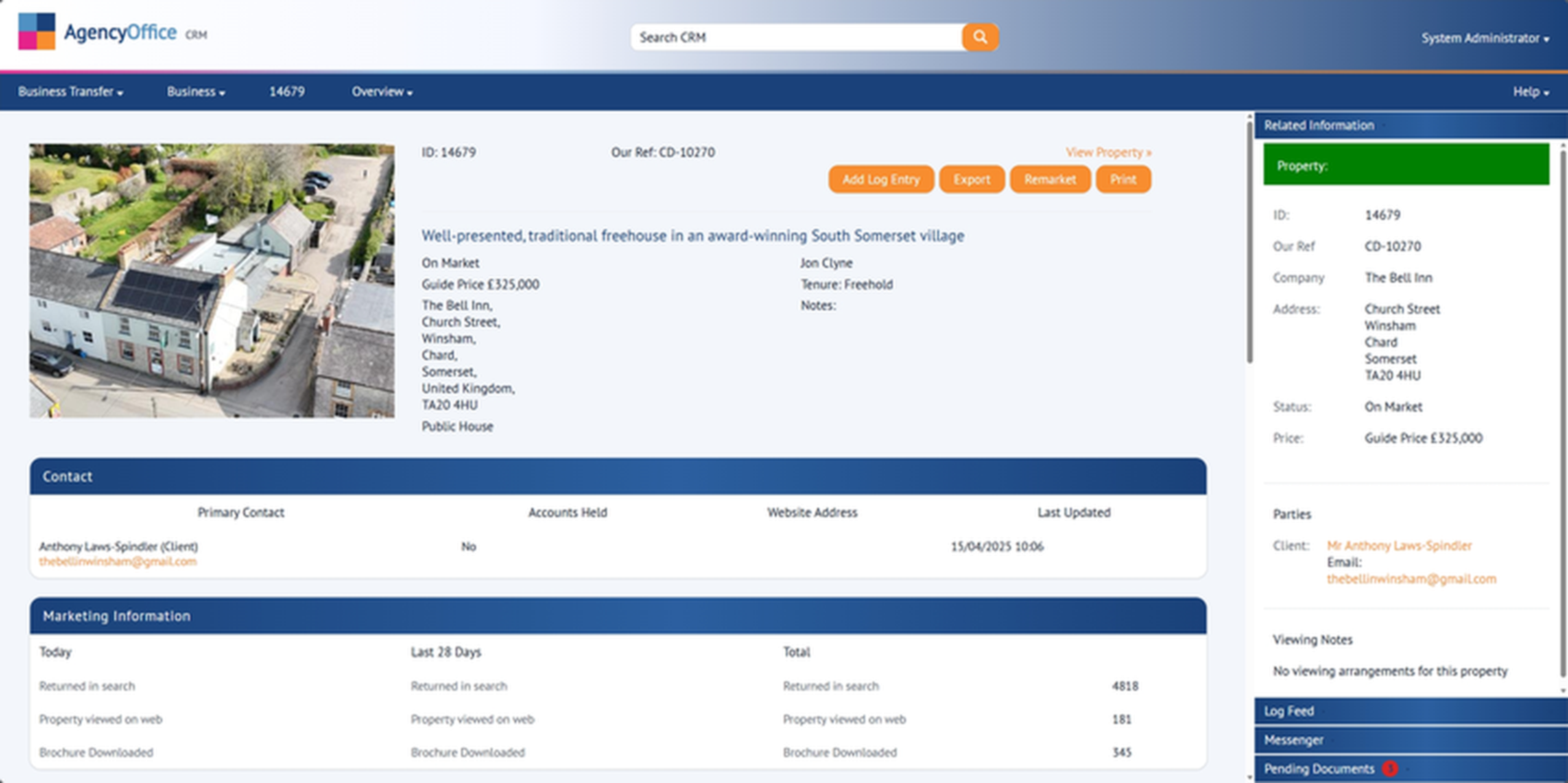
agencyoffice.net — Property Detail
Agency Office property detail screen
a

Commercial Fields

Sector, accommodation schedule, lease terms, and financials — all captured natively. No workarounds needed.

b

Instant Portal Feed

The moment you save, the property is queued for Rightmove and your website. No manual re-entry.

c

AI Description

Click one button to generate a professional property description from the listing details. Edit to taste.
2

Match the Right Buyers

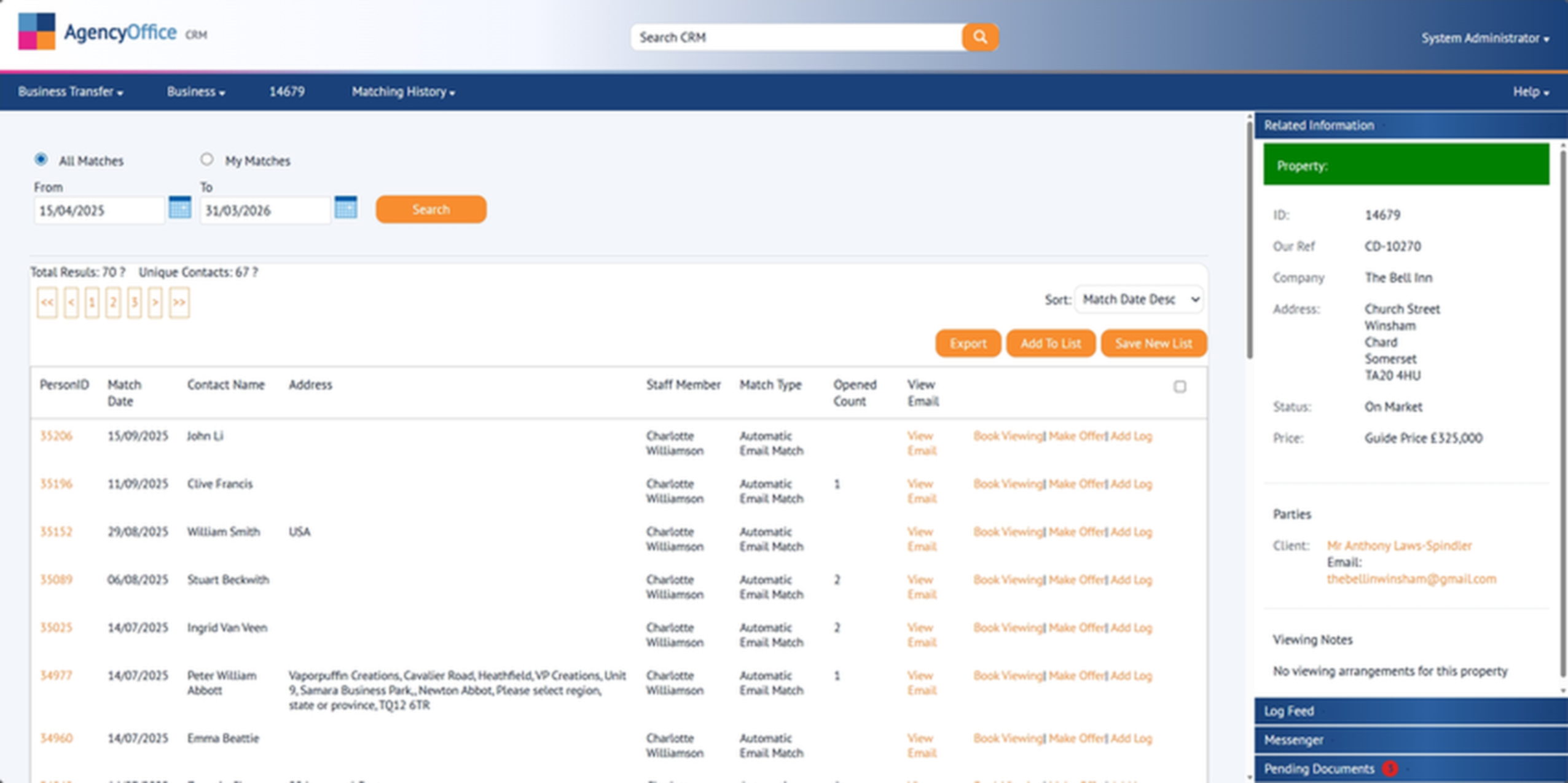
The matching engine instantly identifies applicants whose requirements fit this property — by sector, location, budget, and your custom criteria. Match alerts go out automatically.

agencyoffice.net — Applicant Matching
Agency Office applicant matching results
a

Intelligent Filtering

Matches are scored by how closely the applicant's criteria fit. Best matches appear first.

b

Automatic Alerts

Matching applicants receive an email with the property details immediately. No manual mail-merge needed.

c

Hot Lead Tracking

See which applicants opened the email and clicked through. Prioritise follow-up calls to the most engaged.

3

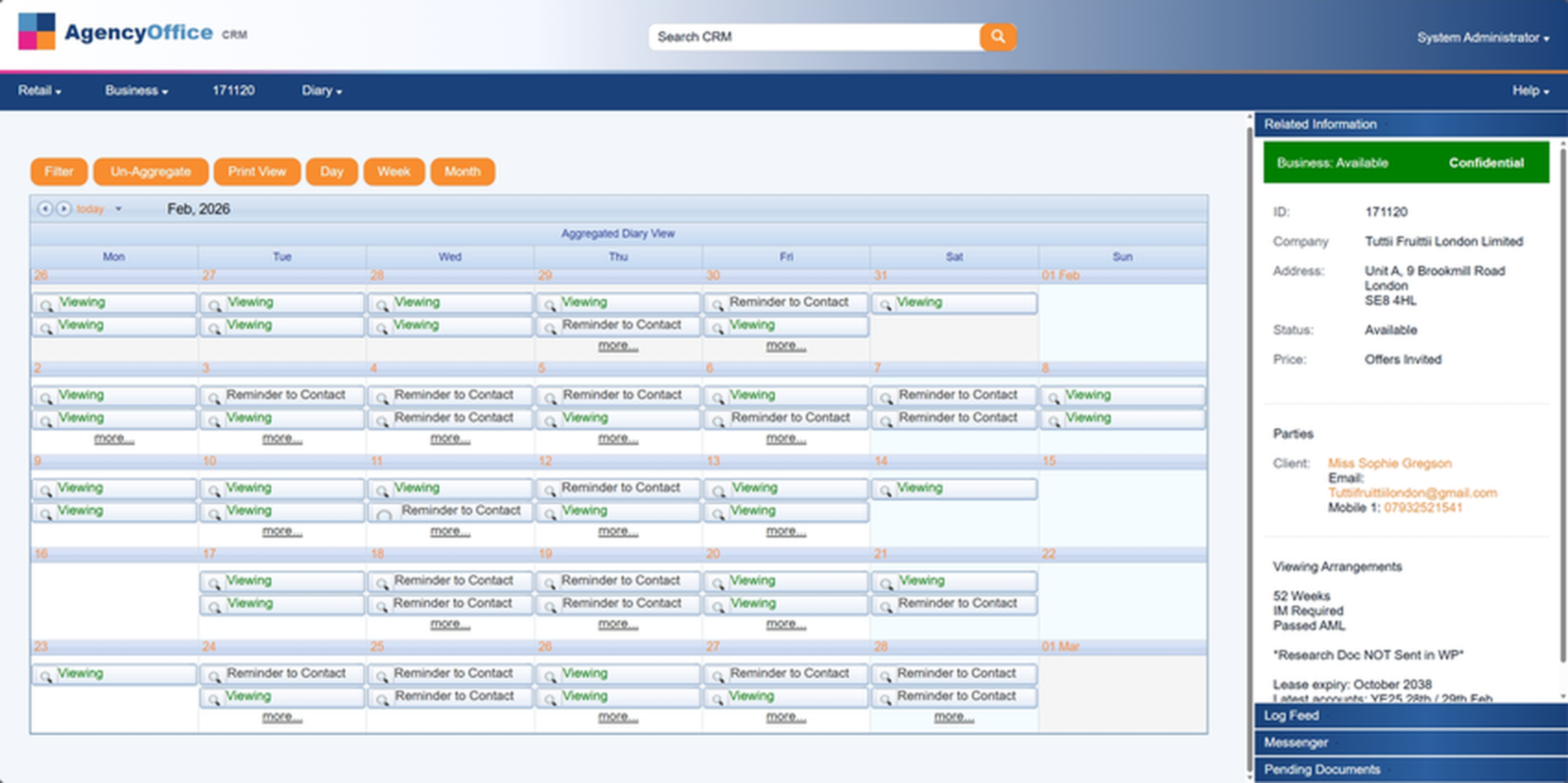
Schedule Viewings

Book viewings from the diary, linked to the property and applicant. Confirmation emails go out automatically. After the viewing, capture feedback straight away.

agencyoffice.net — Diary
Agency Office diary and calendar view
a

Calendar Sync

Viewings appear in Google Calendar and Outlook automatically. Your team sees everything on their phone.

b

Auto Confirmations

Applicants and vendors receive confirmation emails with the viewing details. No manual follow-up.

c

Feedback Capture

After the viewing, log feedback directly. Interest level, comments, and next steps — all linked to the record.

4

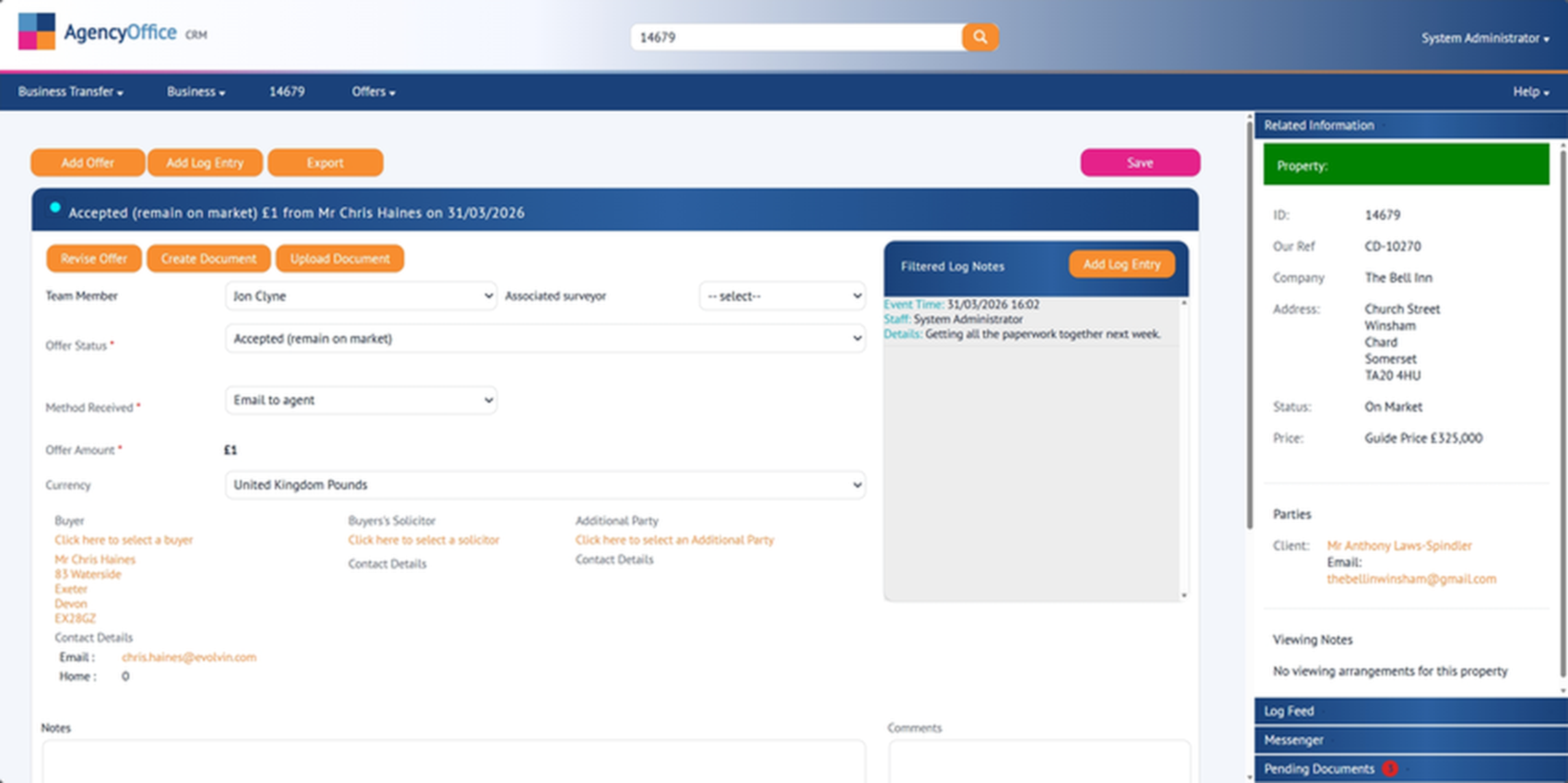
Manage Offers

Offers come in. Every bid is logged with a full audit trail — amount, date, status, funding position. Present the vendor with a clear picture and progress the best offer to sale.

agencyoffice.net — Offers
Agency Office offers and sales progression
a

Full Audit Trail

Every offer, counter-offer, and decision is logged with timestamps. Complete transparency for the vendor.

b

Compare Offers

See all offers side by side — amount, funding status, chain position. Help vendors make informed decisions.

c

Printable Offers Book

Generate a professional offers summary for the vendor. One click to export, ready for their review.

5

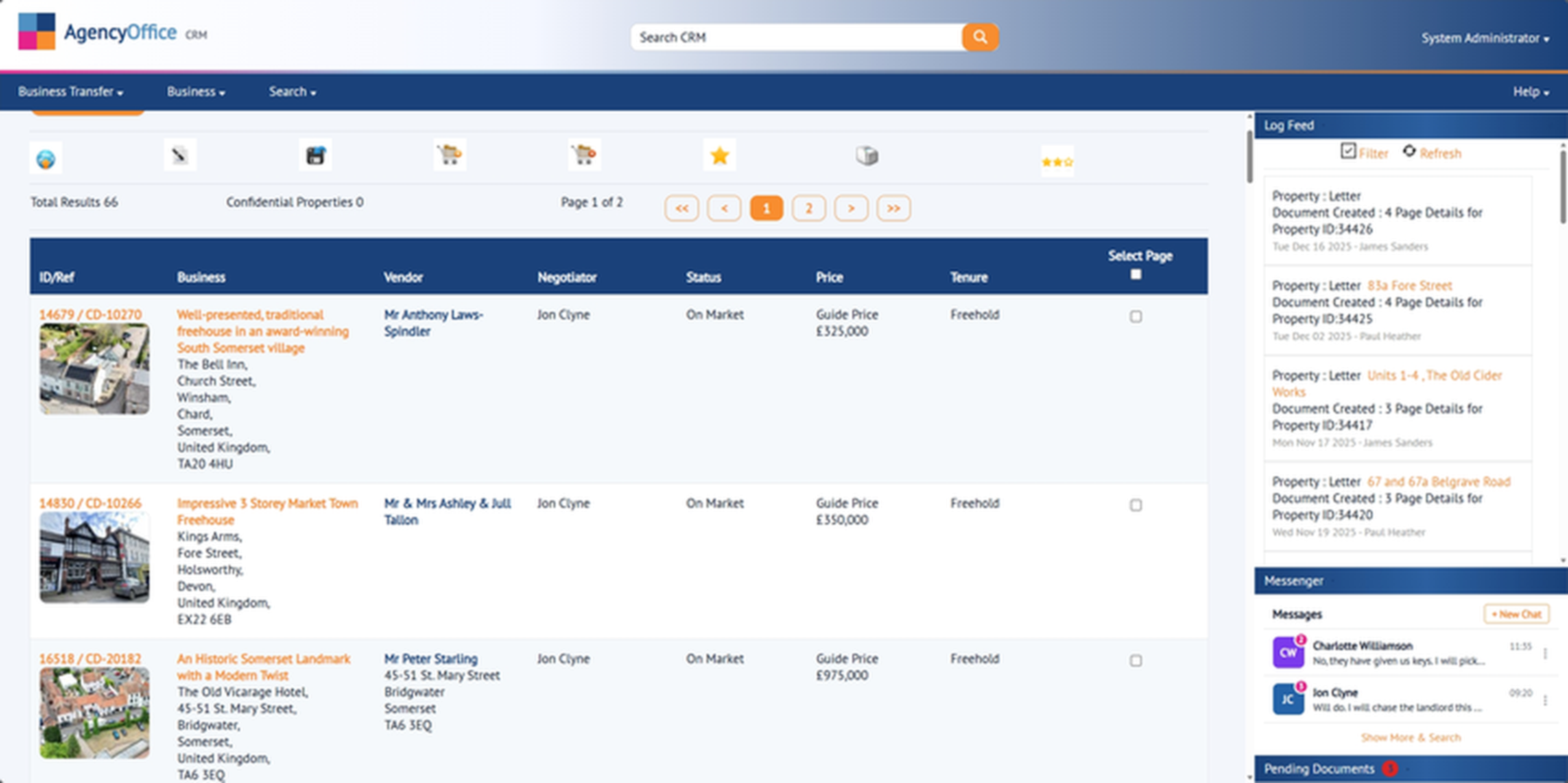
Close the Deal

The accepted offer moves to sales progression. Track every milestone — surveys, searches, exchange, completion. The whole chain is visible, with automated reminders for key dates.

agencyoffice.net — Sales Progression
Agency Office property list overview
a

Chain Visibility

See the entire chain — who's waiting on what, where the delays are, and what needs to happen next.

b

Milestone Reminders

Automated reminders for survey deadlines, search returns, exchange dates. Nothing falls through the cracks.

c

Deal Complete

When the deal completes, all records are updated. The property is marked sold, the chain is closed, and reporting is accurate.

Want to See This With Your Own Data?

Book a personalised demo and we'll walk you through Agency Office using scenarios from your agency.

Book a Demo Call +44 (0) 2920 007525